
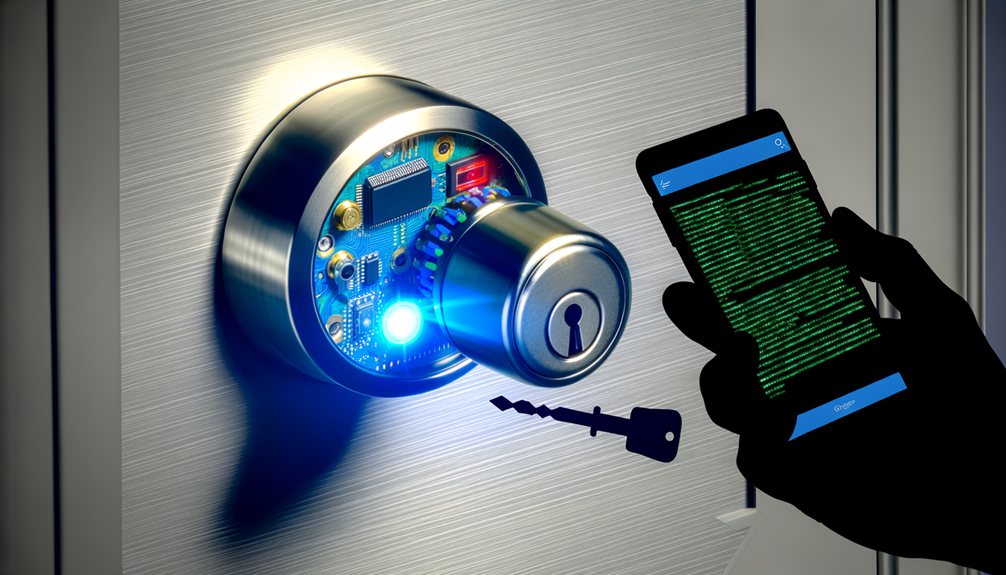
Yes, smart locks can be hacked — but so can any device with a wireless transmitter and a processor. The more useful question is whether that risk is meaningful for the average homeowner, and how to reduce it. In 2026, the answer depends less on the technology itself than on the brand you choose, how you configure it, and how you secure the network it runs on.
The Short Answer: Yes, But Context Matters
Any device connected to a network carries vulnerabilities, and smart locks are no exception. However, context is critical. The primary threat to residential security is not a skilled attacker executing a Bluetooth replay attack from a parked car — it is physical brute force: a burglar kicking in a door or applying a crowbar to a frame. Most criminals lack the technical knowledge, time, and motivation to target a smart lock digitally when physical entry is faster and lower-risk.
That said, installing a smart lock does expand your attack surface. You are adding a digital entry point on top of an existing physical one. Understanding how digital bypasses actually work is the only reliable way to mitigate the risk.
Common Smart Lock Vulnerabilities
Attackers don’t target the physical deadbolt — they target the communication protocols, the network layer, or the software governing the lock.
Wi-Fi and Network Attacks
Smart locks that connect directly to a home Wi-Fi network inherit the vulnerabilities of that network. If the router uses weak passwords or outdated encryption protocols, an attacker who compromises it gains lateral access to every connected IoT device. From there, unencrypted traffic can be intercepted through a man-in-the-middle (MitM) attack — allowing the attacker to capture and replay an unlock command without ever touching the lock.
Bluetooth and Mesh Network Exploits
Locks using Bluetooth Low Energy (BLE) or mesh protocols like Zigbee and Z-Wave are vulnerable to proximity attacks. The most common method is a replay attack: using off-the-shelf equipment, an attacker intercepts the wireless signal exchanged between a smartphone and the lock, records the encrypted handshake, and broadcasts it later to trigger the mechanism. Modern locks from reputable manufacturers use time-stamped, rolling-code encryption that makes replay attacks impractical. Cheap, unbranded models frequently do not.
Companion App and Cloud Server Flaws
The weakest link in smart lock security is rarely the lock itself — it’s the manufacturer’s cloud infrastructure or the user’s smartphone. A breach of a manufacturer’s database can expose user credentials or cryptographic keys at scale. More commonly, a user’s phone is physically stolen, or a weak and reused app password is compromised through a separate data breach, granting direct access to the lock’s companion app. This is why app-level security hygiene matters as much as the hardware itself.
Physical Bypasses on Smart Locks
Most smart locks retain a physical keyway as a backup, which means they remain vulnerable to traditional attacks like lock picking and lock bumping. Security researchers have also demonstrated hardware exploits on cheap, white-labeled smart locks where removing the exterior casing and applying a strong magnet — or short-circuiting exposed wires — is sufficient to actuate the motor and retract the deadbolt. Physical and digital security are not separate concerns; they compound each other.
Smart Locks vs. Traditional Locks: The Security Trade-Off
Evaluating smart locks honestly means accepting a genuine trade-off rather than treating one format as categorically superior.
The limitations of smart locks are real. They depend on batteries — if power fails and the lock lacks external charging terminals or a physical keyway, access is blocked. Firmware bugs or cloud server outages can disable remote functionality at inconvenient moments. And unlike a traditional deadbolt, a smart lock introduces digital attack vectors that have no equivalent in a purely mechanical system.
The advantages are equally real. Traditional locks provide no record of who entered your home or when; smart locks log every access event with a timestamp, giving homeowners and Airbnb hosts granular visibility into entry history. Access codes can be issued or revoked instantly — no rekeying required when a contractor’s job ends or a roommate moves out. And high-end models push real-time tamper alerts to your phone the moment a forced entry is attempted, something no mechanical lock can do.
How to Secure Your Smart Lock Against Hackers
Choosing a smart lock is only the first decision. Securing it requires the same discipline you’d apply to any networked device in your home.
Secure the Network First
Isolate your smart home devices on a dedicated network segment. Most modern routers support a guest network — connect your smart lock and other IoT devices to it, separate from the network your computers and phones use. This limits lateral movement: if an attacker compromises your primary device, they cannot easily pivot to your lock. Ensure your router uses WPA3 encryption, and change the default admin credentials immediately after setup.
Enforce Strict App Security
Enable two-factor authentication (2FA) on your smart lock’s companion app. If a manufacturer doesn’t offer 2FA, that’s a red flag serious enough to disqualify the product. Use a password manager to generate a unique, complex password for the account — one that isn’t reused anywhere else. The companion app is a direct key to your front door; treat it accordingly.
Keep Firmware Current
Firmware updates exist primarily to close the vulnerabilities that attackers actively exploit. Enable automatic updates in the lock’s app and verify periodically that updates are being applied. Running outdated firmware is the most preventable smart lock security failure — and one of the most common.
Choose Reputable Brands
The smart lock market includes a large number of cheap, unbranded devices that lack basic encryption, use hardcoded master passwords, and receive no security patches after release. Avoid them. Stick to established manufacturers — Schlage, Yale, August, Aqara, and Lockin among them — that run bug bounty programs and employ dedicated cybersecurity teams. If you’re comparing current models, our guide to the best smart locks of 2026 covers the top-vetted options across price points. For renters evaluating options with installation constraints, the best smart locks for apartments covers models purpose-built for that use case.
Verify Physical Security Ratings
A lock that is digitally impenetrable is useless if a burglar can break the bolt with a single kick. Verify that any smart lock you consider carries an ANSI/BHMA Grade 1 (commercial-grade) or at minimum Grade 2 (residential) rating. Digital and physical security are not separable — both need to hold.
The Verdict: Is the Convenience Worth the Risk?
For most homeowners, yes — provided you buy from a reputable manufacturer and apply basic digital hygiene. A targeted digital attack on a well-configured smart lock from a major brand requires significant technical skill, physical proximity, and time. That combination is rare in residential burglary, where speed and opportunism drive most decisions.
The risks worth taking seriously are the mundane ones: weak passwords, no 2FA, outdated firmware, and cheap hardware with no encryption standards. Eliminate those and the residual digital risk of a premium smart lock is lower than the physical vulnerability of most standard deadbolts — which remain trivially vulnerable to picking, bumping, and forced entry regardless of how smart they are.